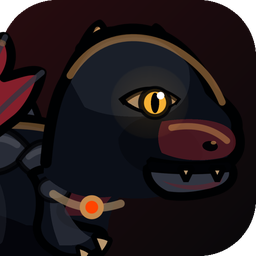
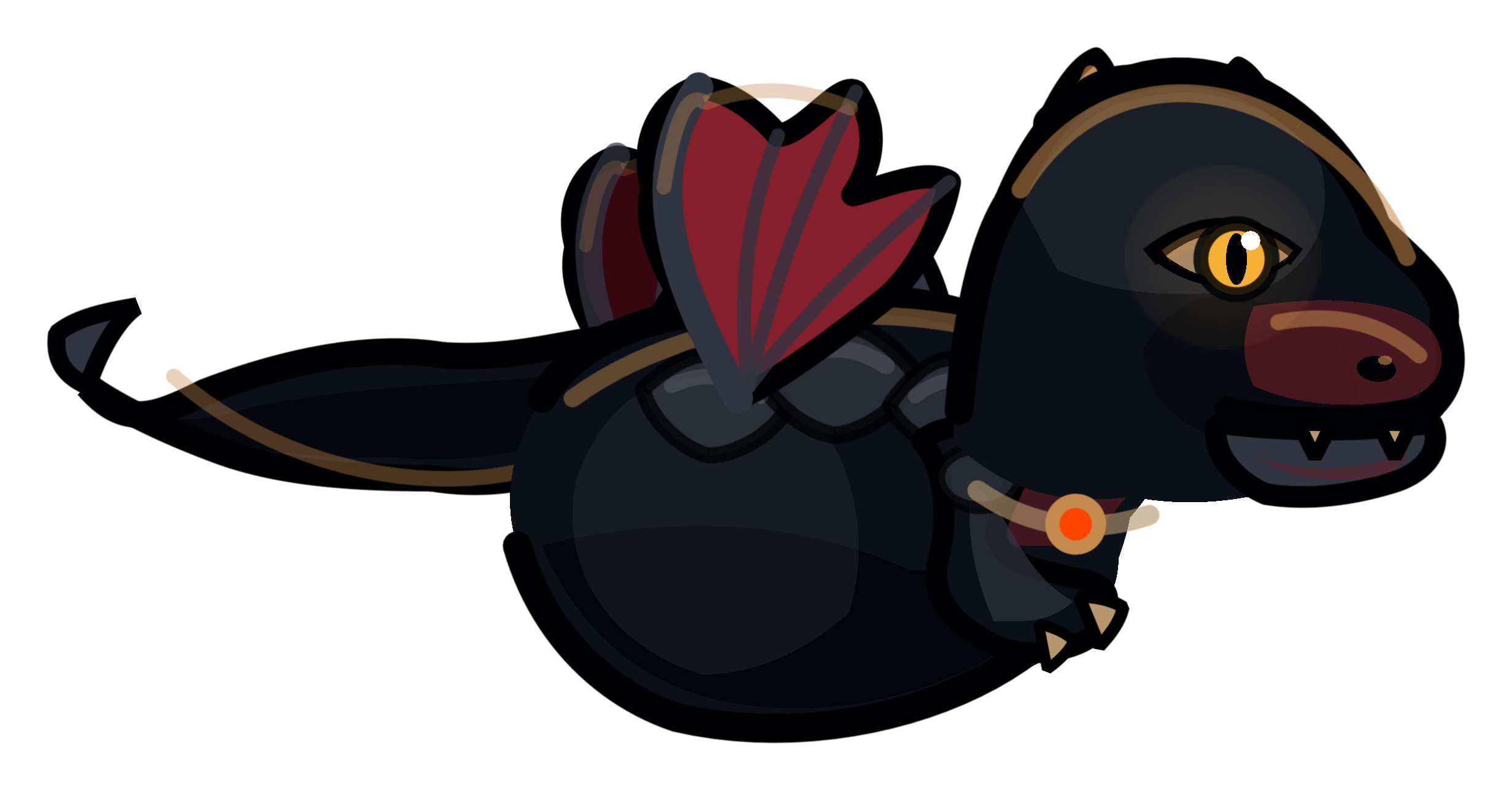
Tiny aristocrat
A tiny cursor companion for macOS
Adopt a tiny dragon that follows your pointer, breathes theatrical fire when you click, and understands that your Downloads folder is not a battlefield.
Free · macOS 13+ · Apple silicon and Intel
No eggs. No oaths. No special permissions.
Purely visual Your screen remains yours.
Click-through Never blocks the real pointer.
Private by design Nothing is recorded.
Choose your troublemaker
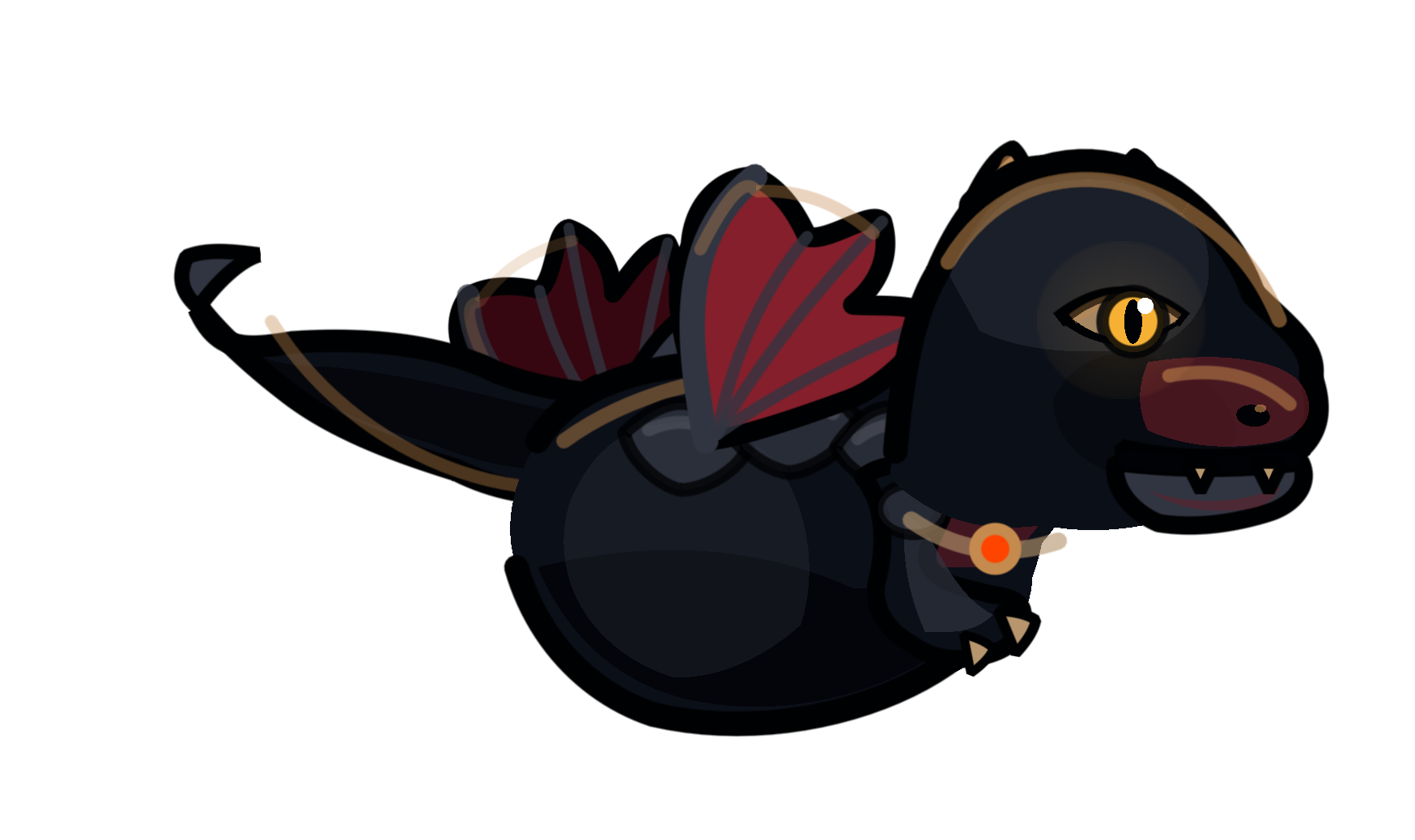
Tiny aristocrat
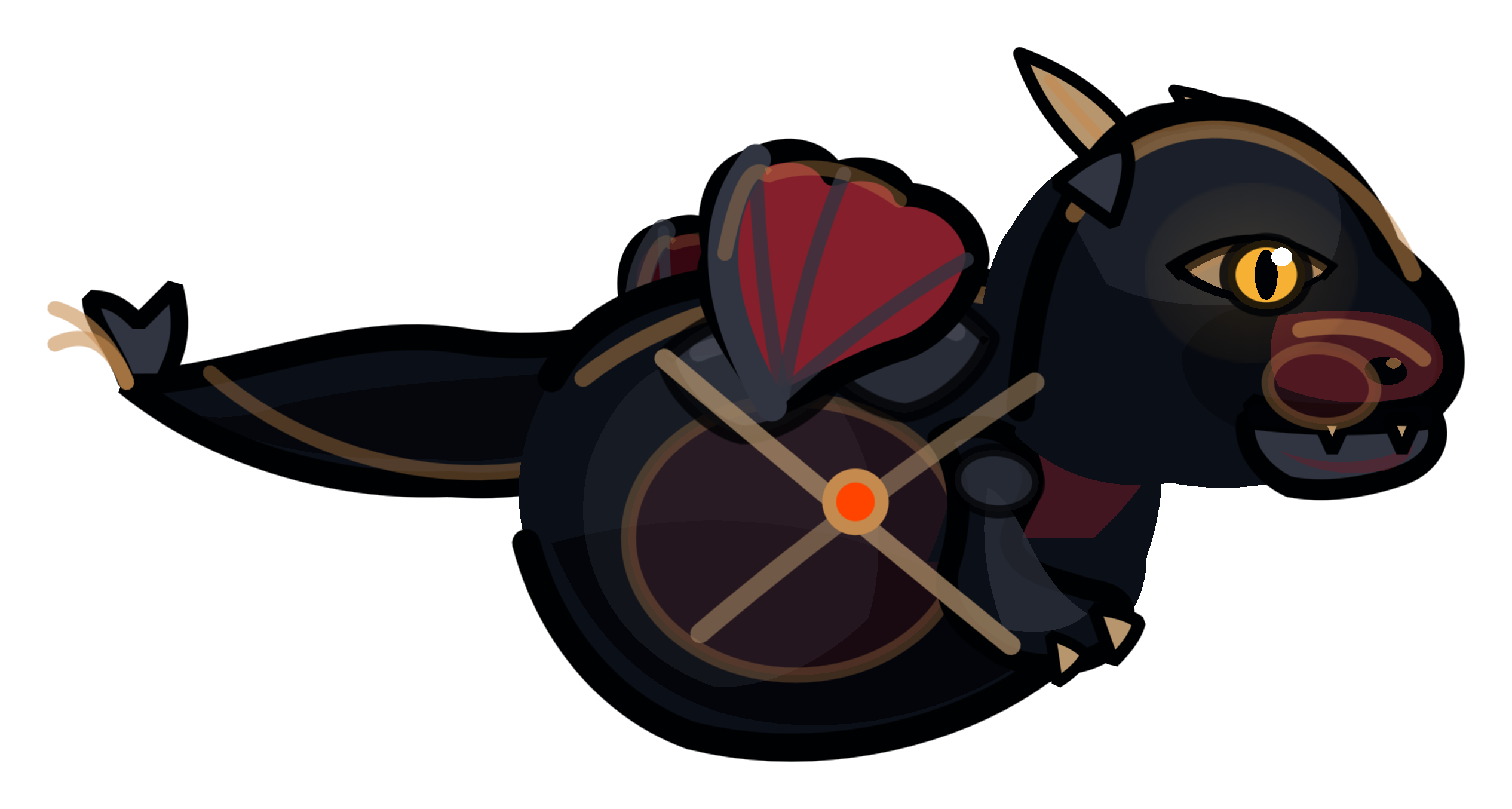
Warm little tank
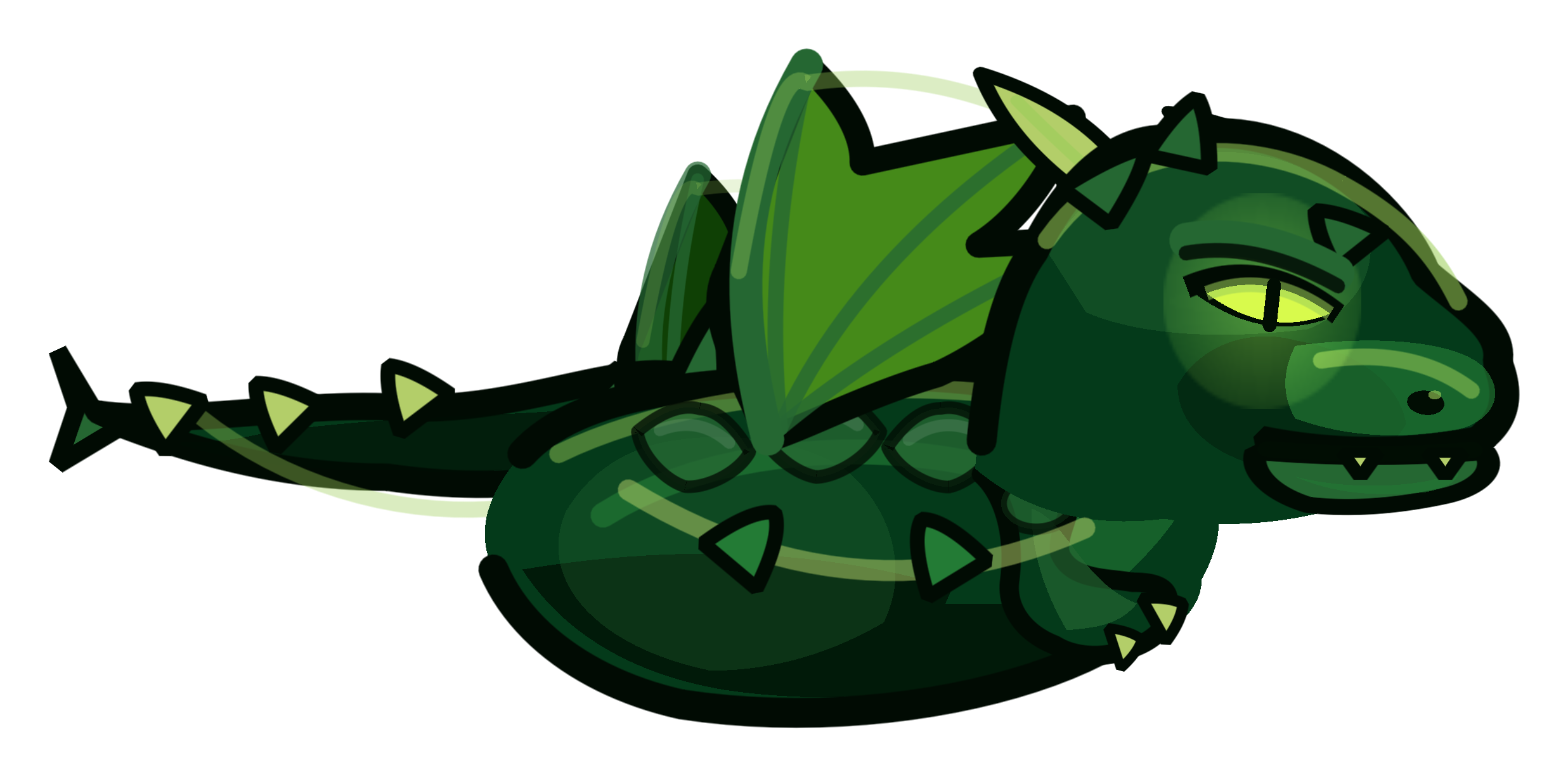
Garden menace
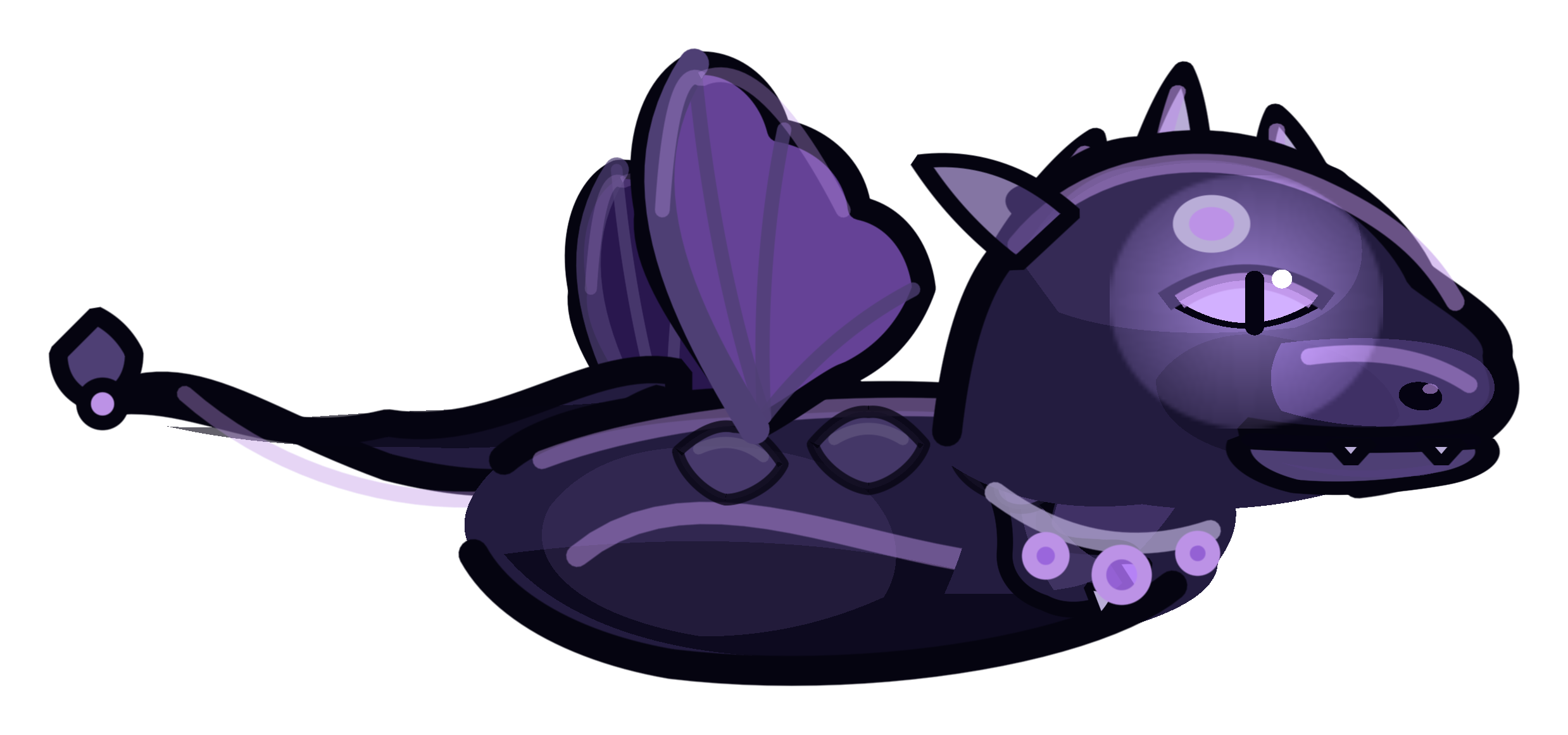
Prophecy pending

Pocket fortress
Swipe to inspect the suspects
Specimen № 06 · assembled in the app
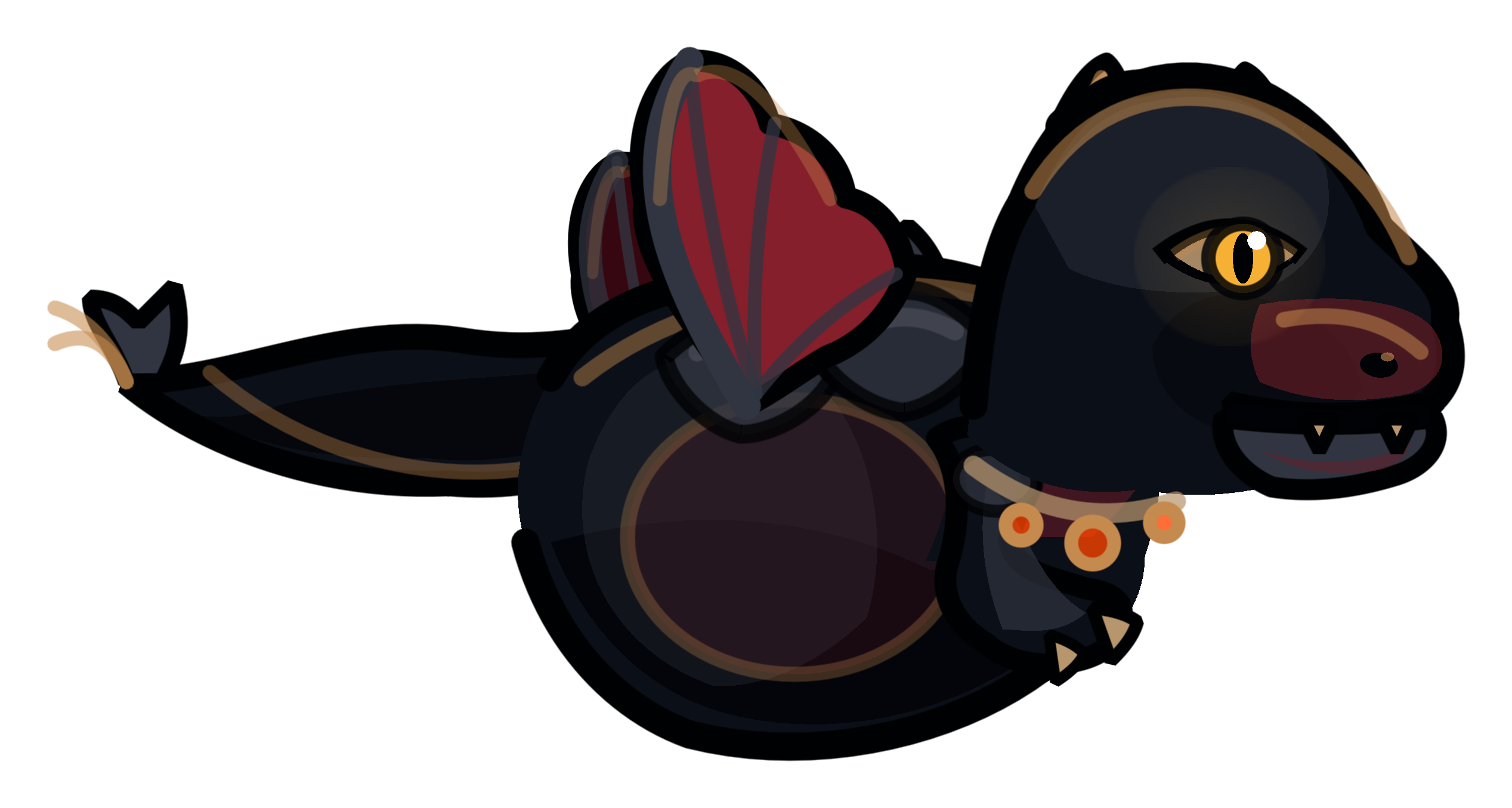
Dragon Assembly
A breed is only the beginning. Mix every part until the historians can no longer agree what they saw.
Then tune the personality. Choose size, temperament, opacity, flight style, and fire intensity. Save a preset—or press Randomize and let fate embarrass itself.
Dramatic on screen
The dragon performs. Your Mac carries on as if nothing happened—which, technically, it did.
Act I
Act II
Act III
A dragon, not a spy
Every effect lives inside a transparent, click-through visual overlay. The app never edits a file, intercepts a click, captures your screen, or stores mouse history.
The shortest succession plan ever written
This can be fixed in about thirty seconds.
Download Mouse of The DragonmacOS 13+ · Apple silicon + IntelDownload the DMGOne file. No summoning circle.
Drag it to ApplicationsThe traditional migration route.
Open it from the menu barChoose a dragon. Resume history.
Questions from the council
No. The full-screen overlay ignores mouse events, so clicks, drags, scrolling, typing, and normal app interaction pass straight through.
No. Mouse of The Dragon watches only mouse coordinates and mouse event types. It does not request Accessibility, Input Monitoring, screen recording, camera, or microphone access.
Use the menu bar toggle, or press Control–Option–Command–D. The emergency shortcut disables the dragon and restores the native cursor at once.
Quit Mouse of The Dragon from its menu bar menu, then move it from Applications to the Trash. No royal abdication paperwork is required.